
KitchenDesign
Softwarefor
SketchUp.
Create professional kitchen designs in SketchUp in minutes not hours with a dedicated toolset for designers planning kitchens using SketchUp.






What is EasySketch?
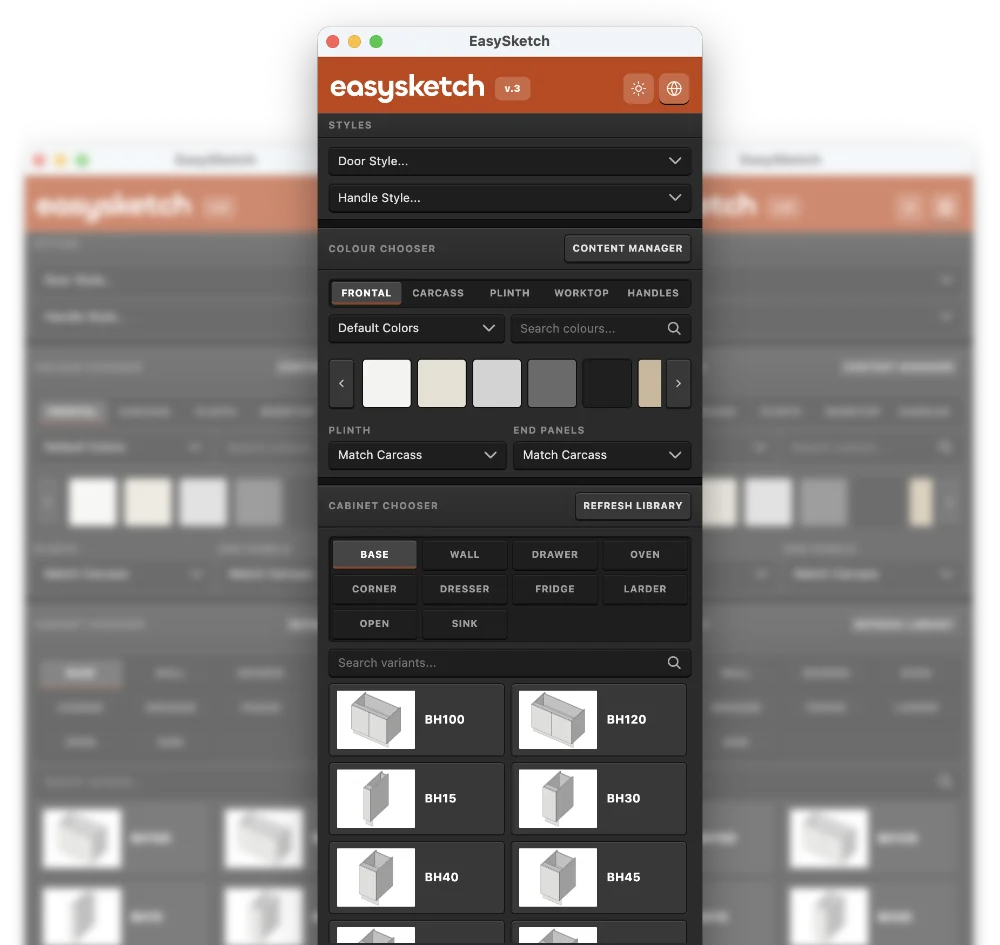
EasySketch is a SketchUp extension for creating kitchen concepts directly inside SketchUp. It gives interior design professionals a dedicated kitchen design palette with parametric cabinets, frontal styles, handle ranges, end panels, and supplier-based decor and paint swatches. The extension is built around the layon cabinet style. For the first time, US users can use Imperial units of measure instead of metric millimetres. Designers can create and save presets for favourite cabinet configurations.
US sizes supported
We've added support for imperial US size cabinets. Now you can create any size cabinet in either Imperial inches or Metric mm sizes.
UK Layon Cabinets
The loaded presets generate UK 'standard' cabinets. The heights, widths and depths are typical of most UK manufacturers.
Why Use EasySketch?
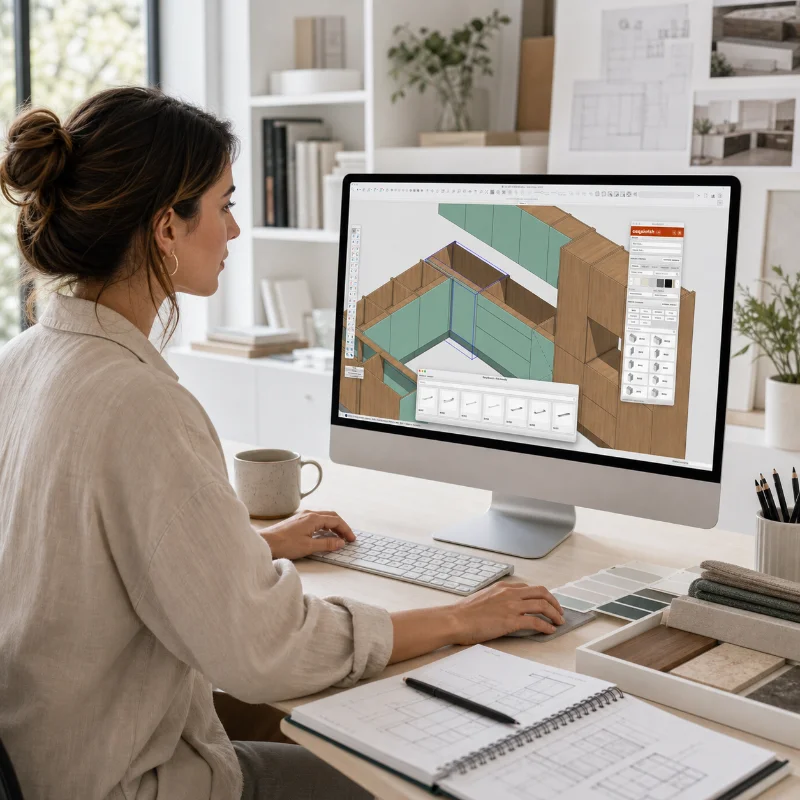
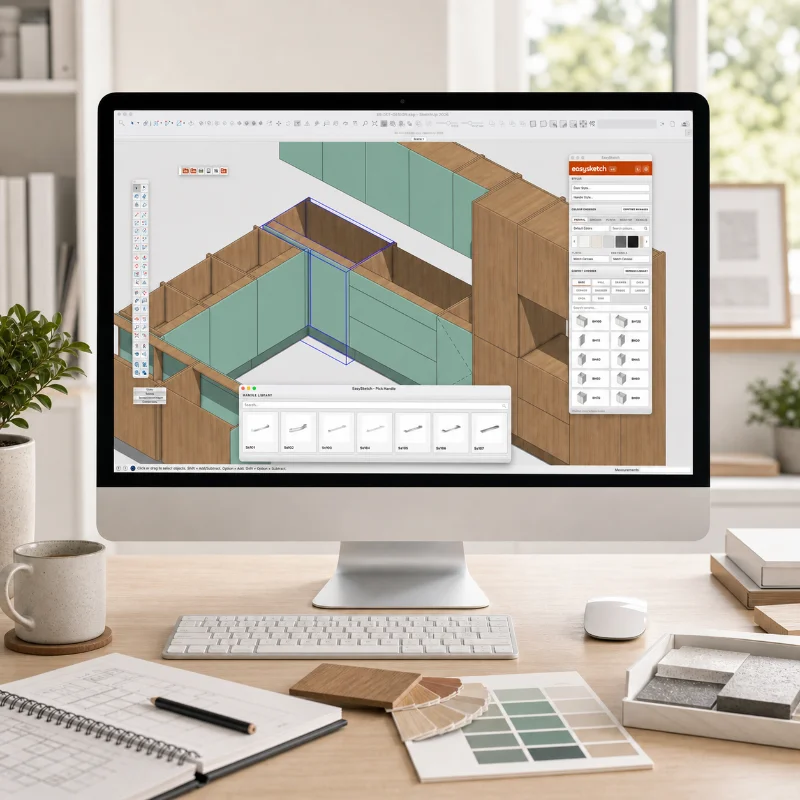
EasySketch reduces the amount of manual modelling needed to produce kitchen layouts in SketchUp. Instead of building every carcass, frontal, panel, handle, and finish from scratch, designers can place and adapt kitchen components from a single tool palette. This helps keep the design process faster, the SketchUp model cleaner, and the workflow more consistent when preparing concepts, client presentations, or design development models.
Move faster
Spend less time drawing boxes and more time designing. Get from concept to client-ready visuals quickly.
Stay consistent
Create cabinet variants and save as presets. You can build on the standard catalogue to include your own variants.
Who Is It For?
EasySketch is for design professionals who use SketchUp Pro as part of their everyday workflow, including kitchen designers, interior designers, architects, and design studios. It is suited to people who need to turn client briefs into accurate, presentable kitchen designs without moving between separate kitchen design software and SketchUp. The extension supports a more direct workflow for professionals who already design, review, and present projects in SketchUp.
EasySketch Lite
You plan kitchens occasionally but need industry standards. Designs need to be accurate but you don't need the complexity of 'Studio'
EasySketch Studio
Planning kitchens is your everyday you live in SketchUp and need all the controls, decor swatches, handle libraries, bespoke cabinets and more.

New in EasySketch
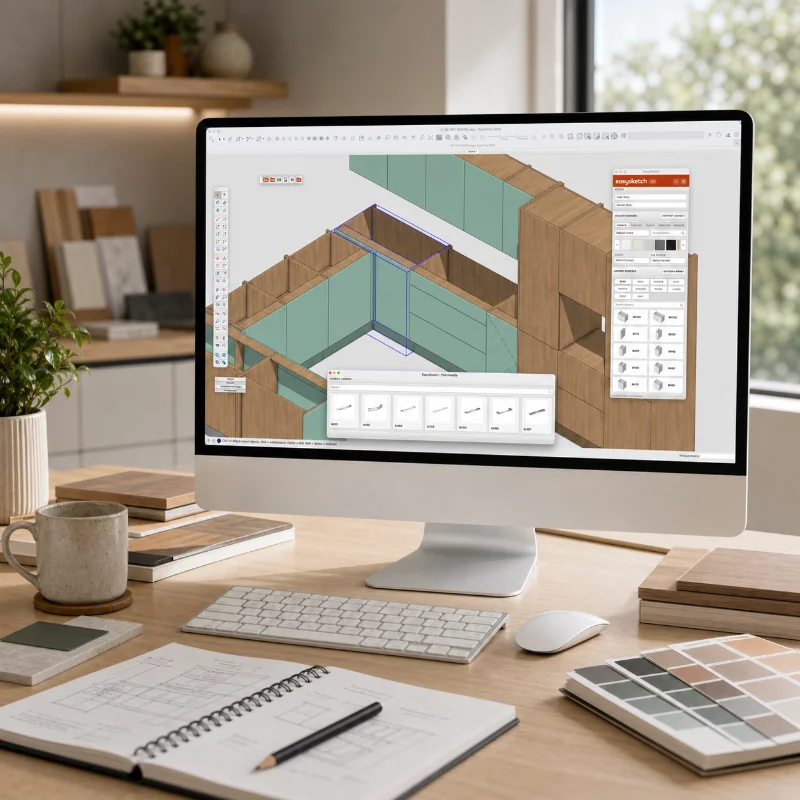
V3 is the most significant update since launch in 2014, with a faster interface, cleaner workflows, and new tools for creating better kitchen designs.
Graphical Cabinet Generator - V2
Create and cabine configuration and save it as a preset! Studio users get a more visual way to create and refine cabinet presets making it easy to create bespoke catalogs.
Completely Rebuilt Interface
A cleaner, faster EasySketch palette designed around the way you actually build kitchen models.
Animations
Animate door and drawer opening with a single click.
Cabinet Chooser
Browse cabinet types visually, search by category, and place the right unit without digging through menus.
Smarter Colour Control
Apply finishes across frontals, carcasses, plinths, worktops, and handles from one focused workflow.
Content Manager
Import and manage swatch packs, material libraries, and handle packs so your favourite products stay close.
Handle Tools
Pick handles, set finishes, and control placement without manually positioning every item.
New Door Styles
Modern Slab, Shaker, Beaded, Skinny Shaker, J-Pull, Reeded, Modern Slab Edge, Shaker Edge.
Variant Libraries
Create and reuse cabinet variants so common units are ready when you need them.
Smart Right Click
Context-aware right-click menus surface the actions that matter for whatever you've selected.
Auto End Panels
End panels are added, sized and aligned automatically wherever your run terminates.
Door Swings
Flip hinging and swing direction on any door with a single action, with the model updating live.
Add Fillers
Drop fillers between cabinets and walls with the correct width, depth and finish already set.
Smart Corners
Place 'L' shape and blind corner units with full control of corner posts offsets.
Price Plans
For solo designers who need quick cabinet generation and clean SketchUp placement.
Start Lite Trial →- SketchUp 2027 Compatible
- 7-day free trial
- Core cabinet generation
- Standard cabinet placement workflow
- Cabinet sizing controls
- Door and frontal style options
- Colour and finish selection
- Worktop, plinth, and carcass options
- Handle selection and placement basics
- Licence activation inside SketchUp
For interior design pros using SketchUp every day to create professional kitchen designs.
Start Studio Trial →- SketchUp 2027 Compatible
- 7-day free trial
- Everything in Lite
- Content Manager
- Import swatch libraries
- Import handle packs
- Manage custom finishes
- Graphical Cabinet Generator
- Bulk cabinet variant generation
- Create bespoke cabinet catalogs
- Advanced cabinet preset workflow
Your Questions Answered.
Try the completely rebuilt EasySketch free for 7 days.
Open SketchUp, pick a cabinet, choose your finishes, and see how quickly your layout starts coming together.